Flex while you unsnap
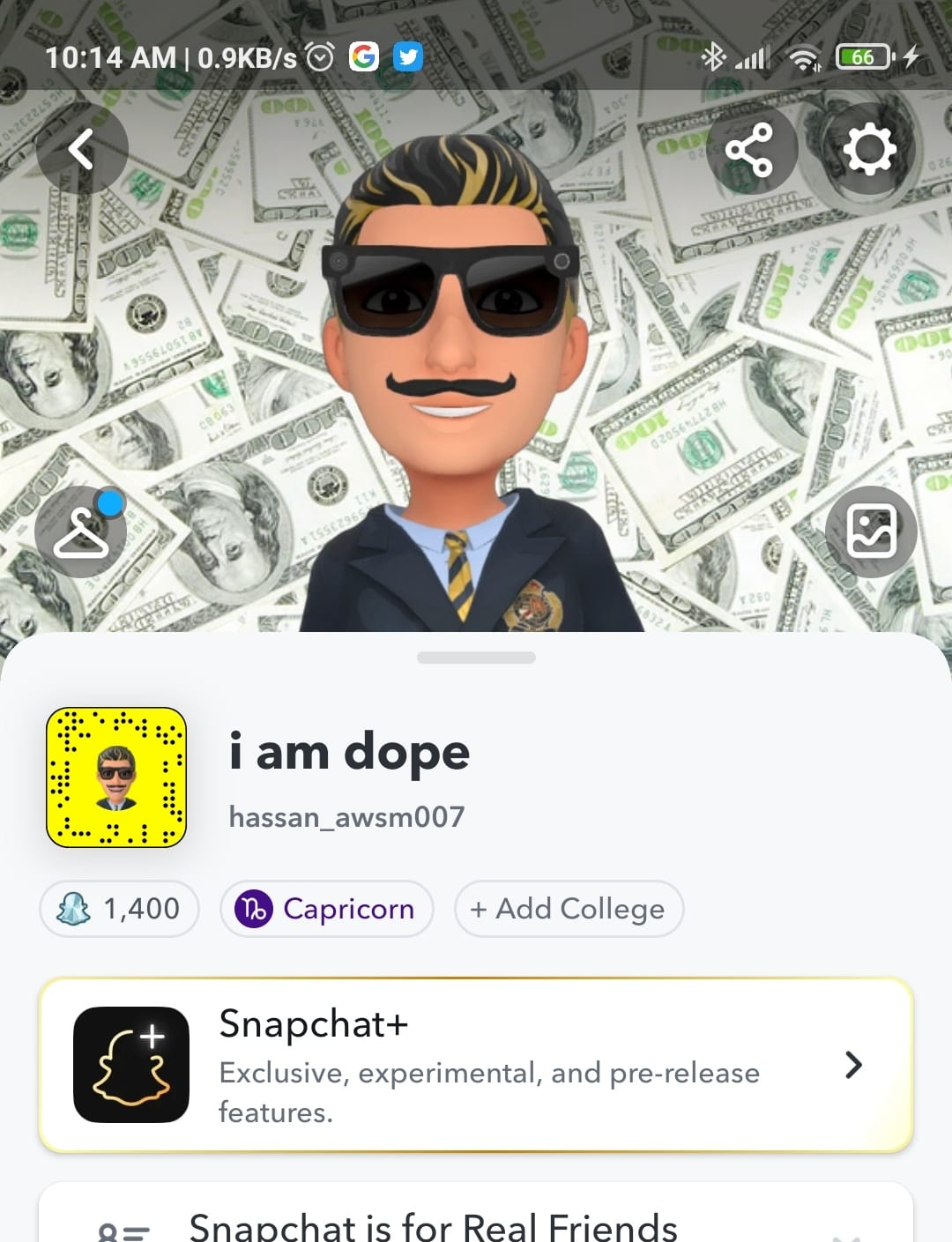
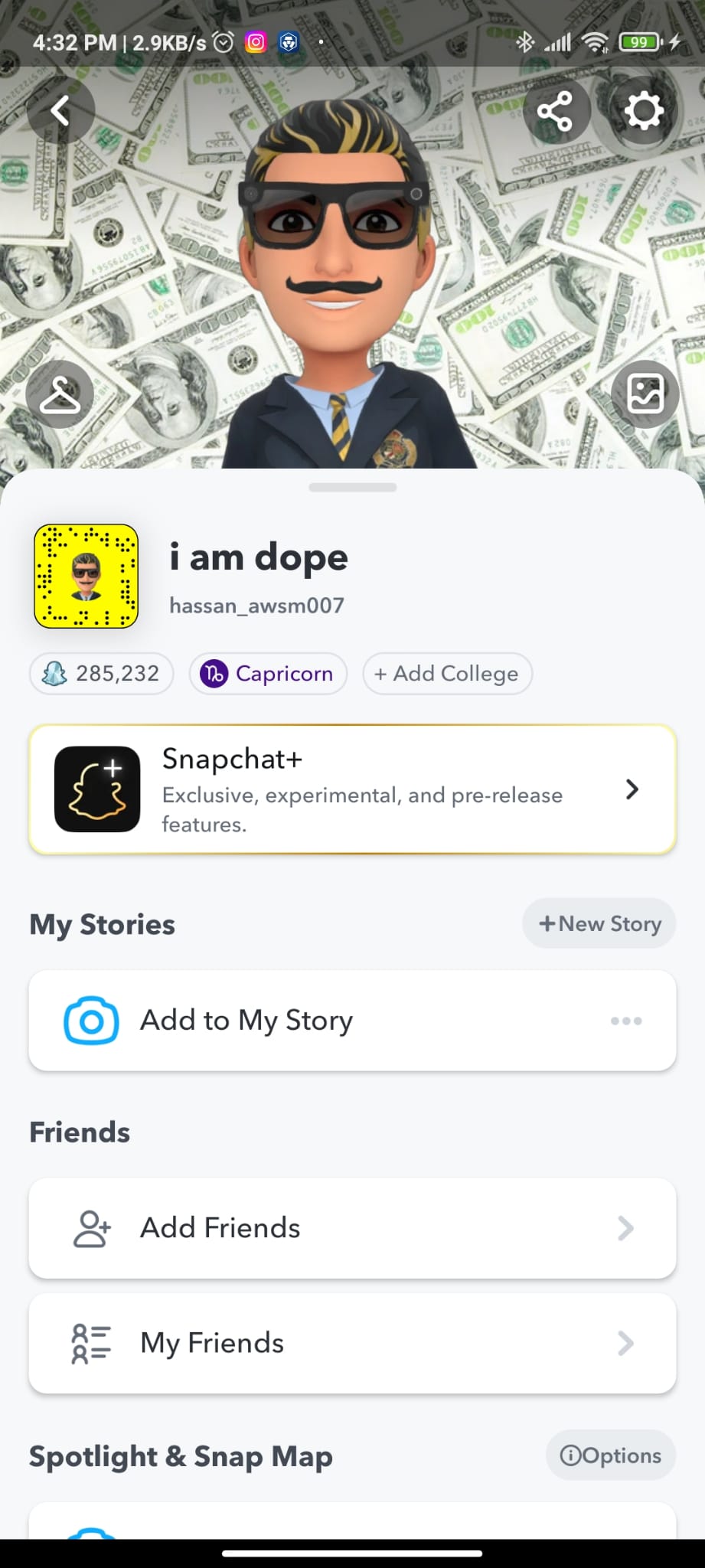
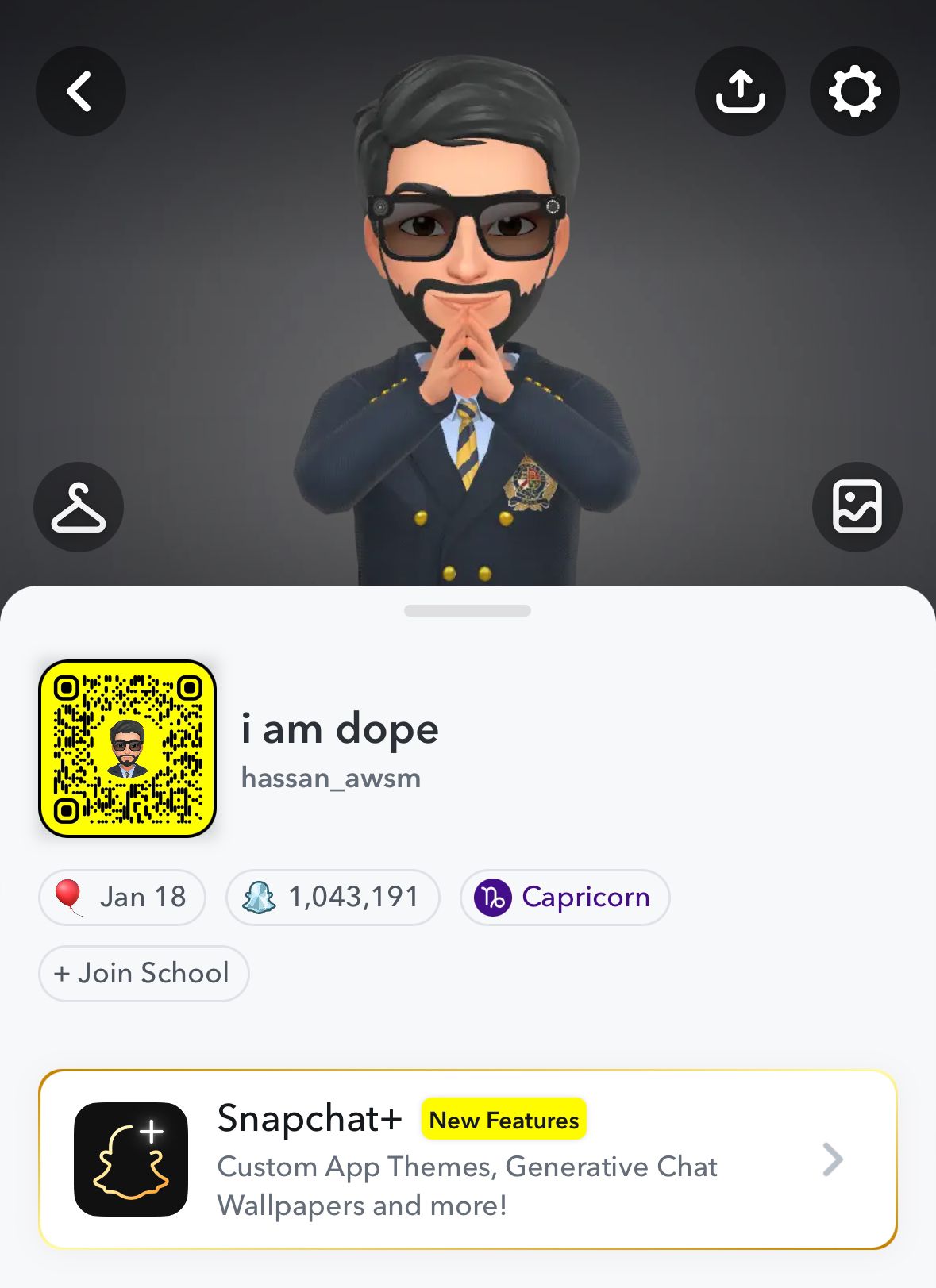
Real results from the bot, from the first run to over a million.
A Python bot that taps through Snapchat on your Android phone over ADB and sends snaps for you. This guide takes you from clone to first run.
Three things on hand before you start.
Runs the bot script on your computer.
Android Debug Bridge lets your computer send taps to the phone.
A charging-only cable won't work. Use one that supports data transfer.
Do these once. After that, running the bot is one command.
Download the project to your computer.
Move into the folder and install the Python packages.
On your phone, open Settings → About phone and tap Build number seven times to unlock Developer options. Then switch on USB debugging.
Plug it in, accept the debugging prompt on the screen, then check that ADB sees it.
Your device should show up in the list as device
The bot needs the screen position of each button it taps. In Developer options, turn on Show taps or Pointer location, open Snapchat, and note where the camera button, send button and friends sit.
Open snapscore.py and replace the coordinates with the ones from your phone. Every screen size is different, so this step makes the bot work on your device.
Open Snapchat on the camera screen, then start the script.
The default mode. Sends to one person per round.
Add the exp flag to send to a group of friends together. Sending to 5 people at the same time is about 5× faster.
Use at your own risk. Automating Snapchat may go against its terms of service and can get an account limited or locked. Try it on an account you can afford to lose.
Real results from the bot, from the first run to over a million.
Ideas for making the bot smarter. Pull requests welcome.
Take a screenshot of the phone, match it against a small image of the button, and read the coordinates from the match instead of typing them in.
Use those detected coordinates to perform the taps, so the bot works on any screen size with no setup.